> ## Documentation Index
> Fetch the complete documentation index at: https://www.oplane.io/docs/llms.txt
> Use this file to discover all available pages before exploring further.
# Connect GitHub
> Connect Oplane to your GitHub repositories to enable automated threat modeling on pull requests. The setup takes just a few minutes.
Connect Oplane to your GitHub repositories to enable automated threat modeling on pull requests. The setup takes just a few minutes.
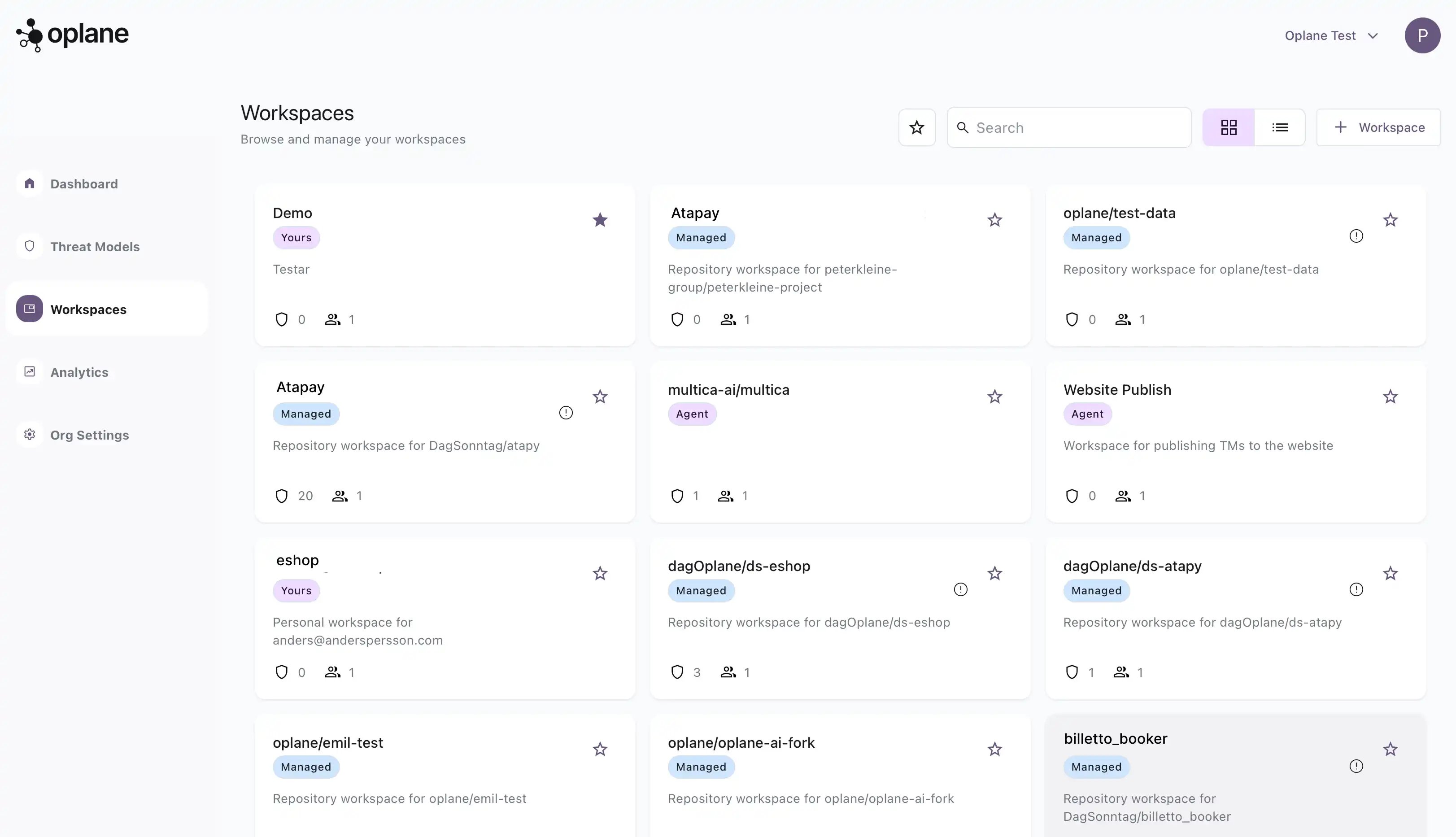
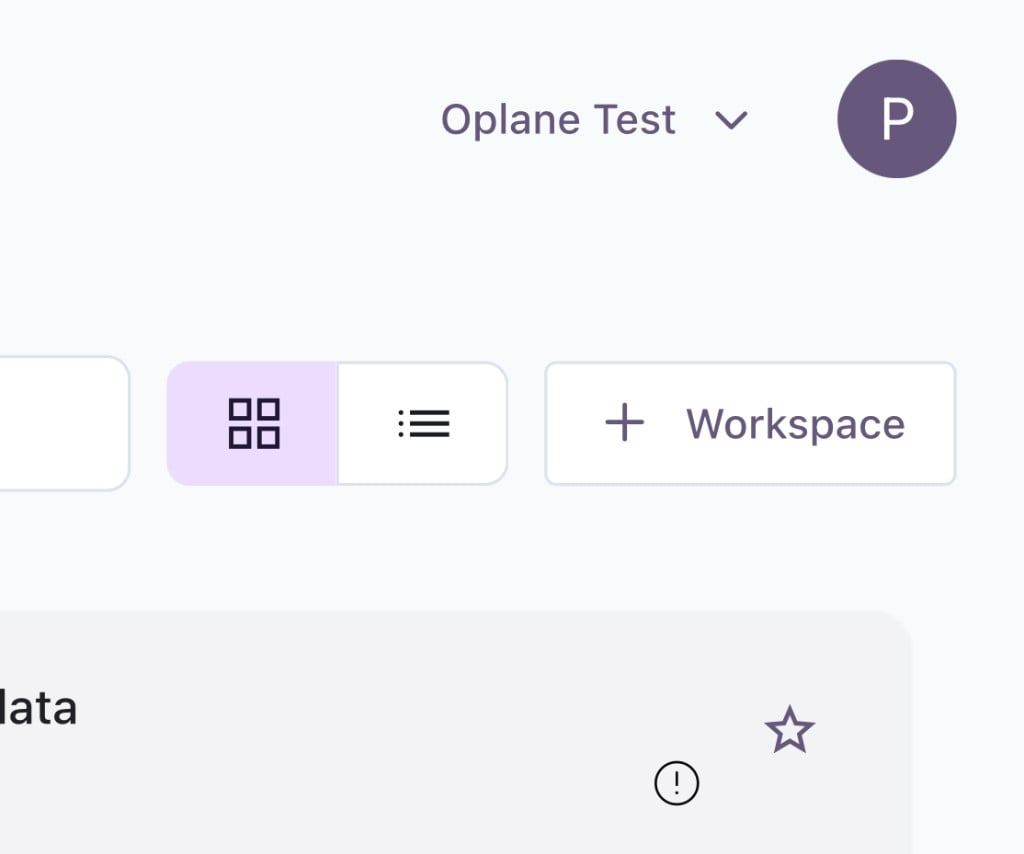
Navigate to **Workspaces** in the left sidebar and click the **+ Workspace** button in the top right corner.
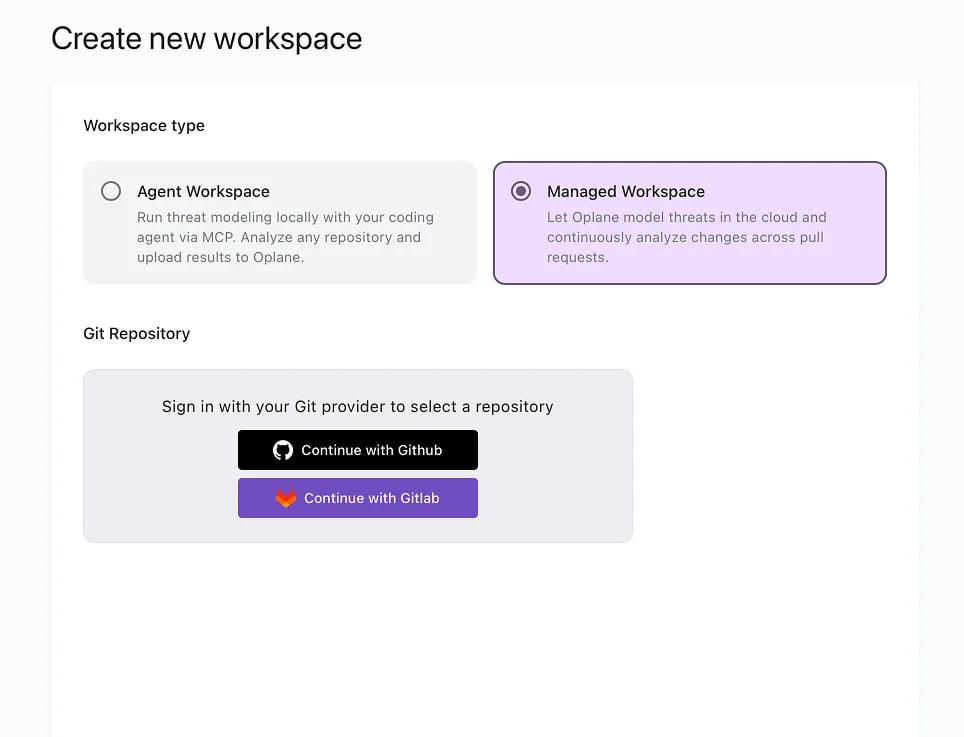
 Select **Managed Workspace** and under Git Repository, click **Continue with GitHub** to connect your account.
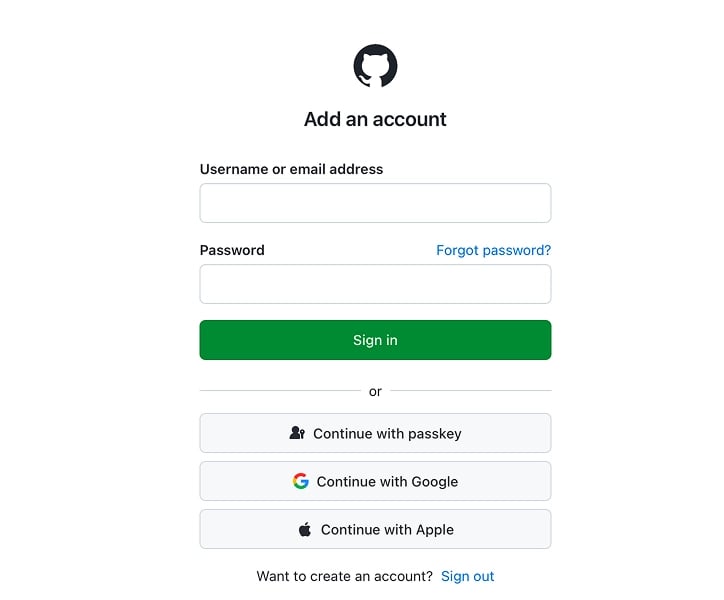
 You'll be redirected to GitHub to sign in. Enter your credentials or use one of the alternative sign-in methods (passkey, Google, Apple).
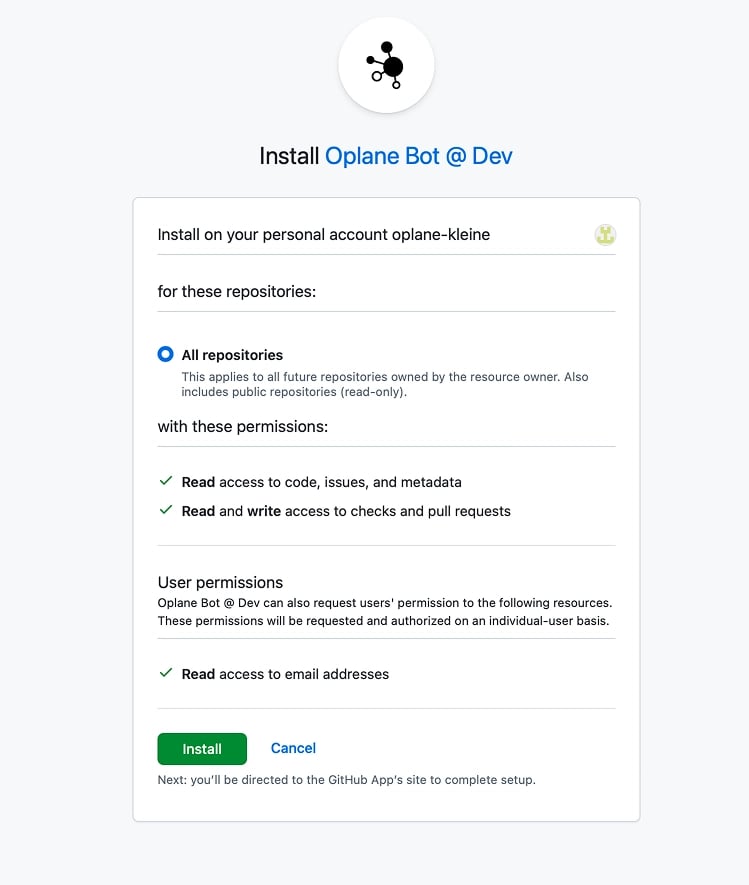
 GitHub will prompt you to install the Oplane Bot on your account or organisation. Choose which repositories Oplane should have access to, review the permissions, and click **Install**.
Permissions granted: Read access to code, issues, and metadata. Read and write access to checks and pull requests — this is how Oplane posts review comments on your PRs.
GitHub will prompt you to install the Oplane Bot on your account or organisation. Choose which repositories Oplane should have access to, review the permissions, and click **Install**.
Permissions granted: Read access to code, issues, and metadata. Read and write access to checks and pull requests — this is how Oplane posts review comments on your PRs.
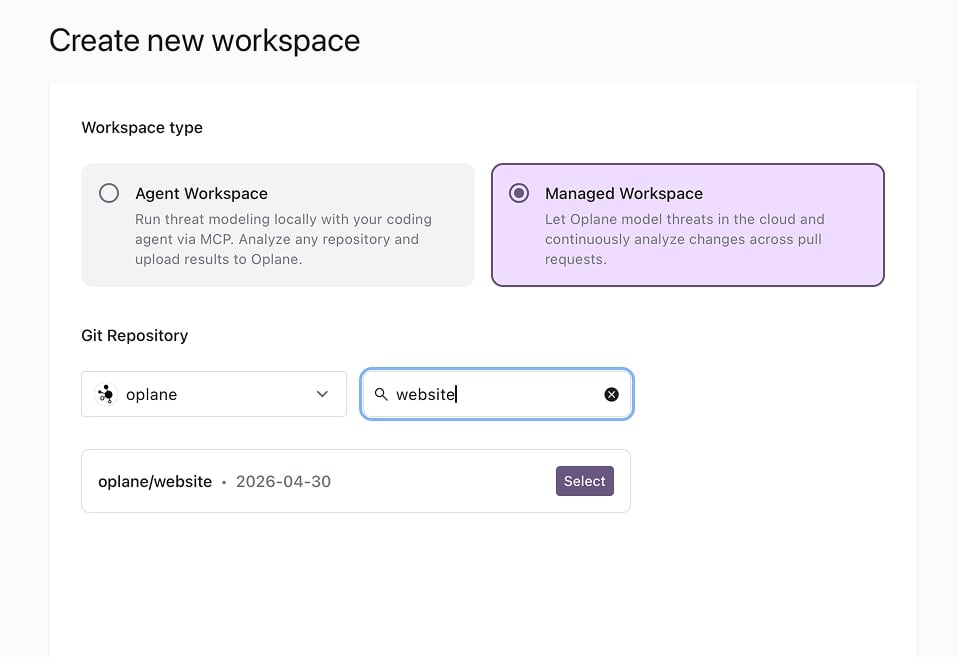
 Back in Oplane, select your organisation from the dropdown and search for the repository you want to connect.
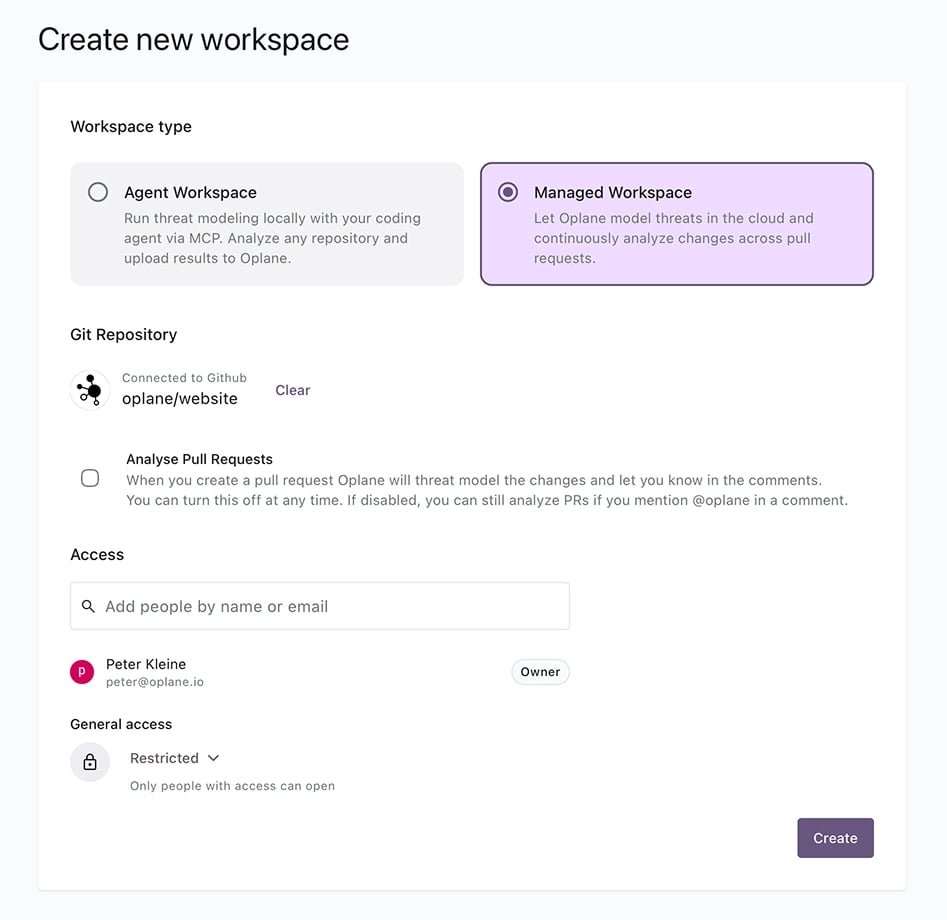
 Once connected, configure your workspace settings:
* **Analyse Pull Requests** — Enable to automatically threat model every PR. If disabled, you can still trigger reviews by mentioning `@oplane` in a PR comment.
* **Access** — Add team members who should have access to this workspace.
Click **Create** when ready.
Once connected, configure your workspace settings:
* **Analyse Pull Requests** — Enable to automatically threat model every PR. If disabled, you can still trigger reviews by mentioning `@oplane` in a PR comment.
* **Access** — Add team members who should have access to this workspace.
Click **Create** when ready.
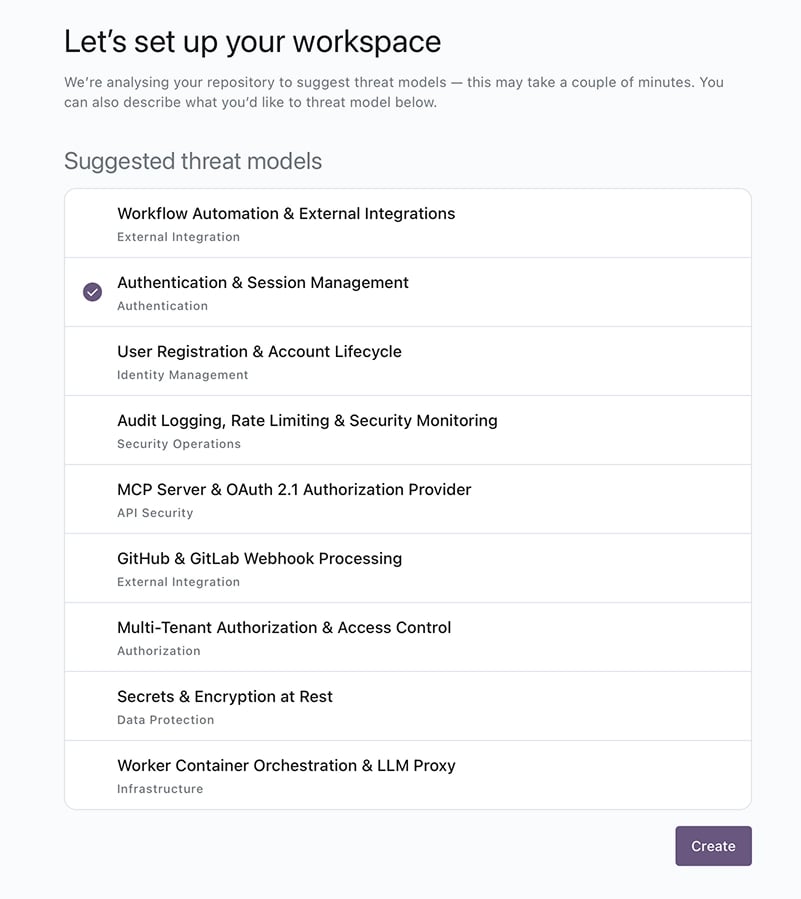
 Oplane analyses your repository and suggests threat models based on the codebase. Select the ones relevant to your project, or describe your own scope. This step helps Oplane understand what to focus on in future PR reviews.
 Learn how Oplane reviews your pull requests in the Pull & Merge Requests guide.